
Best Practice
Grammar Check AI in 2026: What It Fixes Well, and What It Still Misses
 By Muhammad AdnanPublished
 An honest guide to grammar check AI in 2026 - the mistakes it catches reliably, the ones it still misses, and a simple workflow for using it without letting errors slip through.
What these tools are actually good at
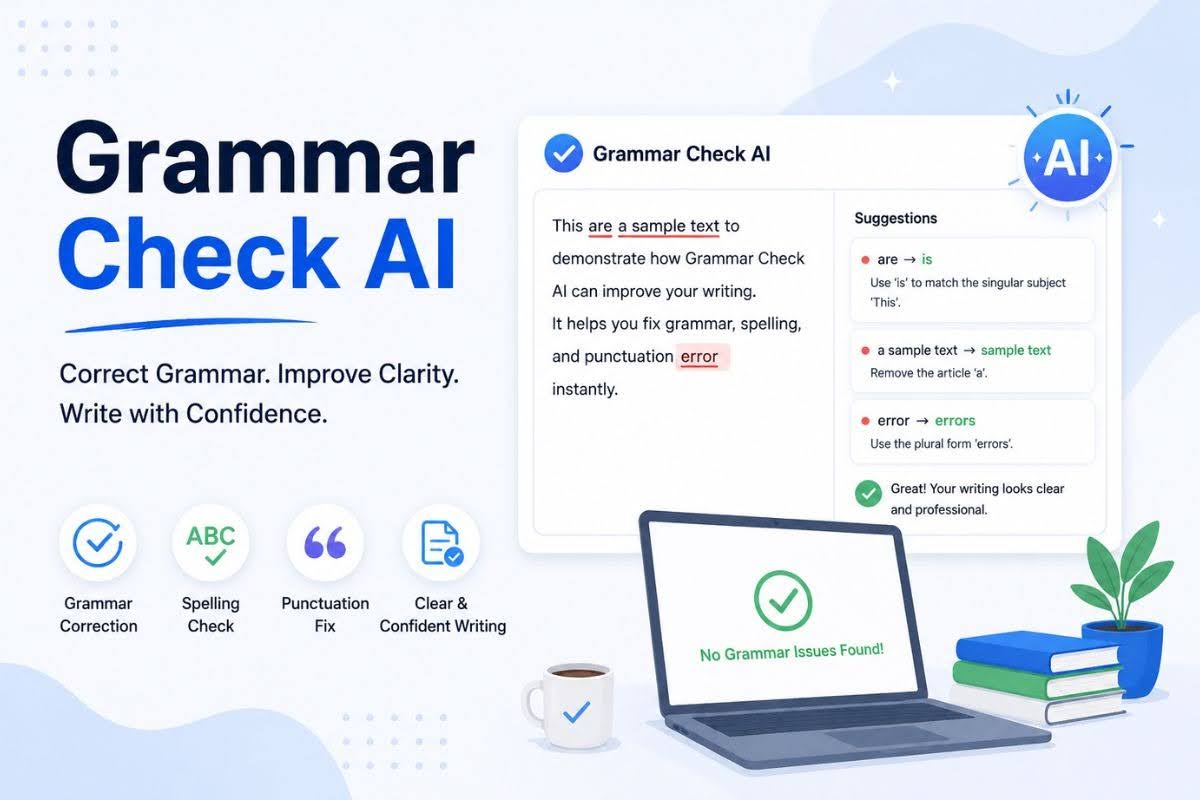
An automated grammar checker has become the quiet default for anyone who writes online - the underline that appears before you have finished the sentence. It is genuinely useful, and for the mechanical layer of writing it is close to a solved problem. But it is worth being clear about what a grammar check AI does well and where it still hands you a clean-looking sentence that is quietly wrong.
The strongest use is catching the mistakes that are objectively rules, not judgment calls. On that layer, modern checkers are fast and reliable:
- Spelling and typos, including the ones spellcheck used to miss because the word is real but wrong ("form" for "from").
- Punctuation - missing commas, run-on sentences, misplaced apostrophes, and stray double spaces.
- Subject-verb agreement and basic tense slips that are easy to skim past on your own final read.
- Obvious awkward phrasing, where a sentence is grammatical but clunky enough that a rephrase reads better.
This is real value. A last pass through a checker catches the small errors that undermine trust in an email, an essay, or a landing page - the kind you stop seeing after reading your own draft five times.
Where the underline goes quiet
The limits show up the moment a mistake requires understanding your meaning rather than checking a rule. These are the errors that survive a clean scan and reach the reader:
- Right word, wrong meaning. "Their" versus "there" gets caught; using "affect" when you meant "effect" in a way the sentence still parses often does not.
- Factual and number errors. A checker will happily approve "$1,200" when you meant "$12,000" - spelling and grammar are perfect, the fact is wrong.
- Tone mismatches. A sentence can be grammatically flawless and completely wrong for the audience - too casual for a client, too stiff for a caption.
- Missing logic. It cannot tell you a paragraph contradicts the one before it, or that a sentence does not actually say what you think it says.
None of this is a knock on the tools - it is the boundary of what pattern-matching on grammar can do. It is also why "the checker found no issues" is not the same as "this is finished." For the messier cases where a sentence is technically correct but still reads badly, our guide to fixing awkward sentences covers what to look for by hand.
Automated pass versus a real proofread
It helps to see the two side by side, because they solve different problems and the marketing tends to blur them:
| An automated check | A human proofread |
|---|---|
| Instant, catches rule-based errors | Slower, catches meaning-based errors |
| Perfect at spelling and punctuation | Judges tone, logic, and audience fit |
| Approves anything grammatical | Notices a correct sentence that is still wrong |
| Consistent every time | Brings context the tool has no access to |
The takeaway is not "pick one." It is that the automated pass handles the tedious 80% so your own attention is free for the 20% that actually needs a brain. If you are unsure how these steps differ in the first place, we break it down in rewrite versus edit versus proofread.
A workflow that catches what the tool misses
Used well, a checker is the first pass, not the last word. A simple order keeps errors from slipping through:
- Run the automated check first and accept the clear-cut fixes - spelling, punctuation, obvious agreement errors. This clears the noise fast.
- Read it aloud once. Your ear catches tone problems and clunky rhythm that no underline flags. This is where improving writing flow pays off.
- Check the facts the tool cannot see - names, numbers, dates, links. Grammatically perfect and factually wrong is the most common way a polished draft still fails.
- Confirm the meaning survived. If you rephrased anything, make sure the new version still says what you meant, not just something grammatical.
That last step matters most when a tool rewrites rather than just flags. Aggressive "improvements" can smooth a sentence into saying something slightly different, which is why a quick compare-to-original habit is worth keeping.
Where TextToolsAI fits
We built the AI Grammar Fixer to do the honest job well: correct spelling, punctuation, agreement, and awkward phrasing while leaving your wording and tone intact. It runs in the browser, needs no signup, and returns a clean version you can scan against your original - deliberately not a black box that rewrites everything and hopes you do not notice.
When a passage needs more than mechanics, pair it with the right tool for the job. Use the Paragraph Rewriter when a sentence is grammatical but tangled and needs restructuring, and the Tone Changer when the writing is correct but pitched wrong for the audience. Grammar is one layer; these handle the ones a grammar check AI is not built to judge.
The bottom line
A grammar check AI is one of the most reliable tools in a writer’s kit for exactly one thing: removing the mechanical mistakes that make writing look careless. Let it own that layer completely - it is better and faster at it than you are on a tired final read. Just do not mistake a clean scan for a finished draft. Keep a human read for tone, facts, and meaning, and the two together produce writing that is both correct and actually worth reading.
FAQ
Reliably, it catches rule-based mistakes: spelling and typos, punctuation errors like missing commas and misplaced apostrophes, subject-verb agreement, tense slips, and obviously awkward phrasing. These are the small errors that are easy to miss on your own final read.
Anything that needs to understand your meaning rather than a rule - the correct word used in the wrong sense, factual or number errors, tone that is wrong for the audience, and logic problems like a sentence that contradicts the one before it. A grammatically perfect sentence can still be wrong.
No - it replaces the tedious part. An automated pass handles spelling, punctuation, and grammar quickly and consistently, which frees your attention for the judgment calls a tool cannot make: tone, accuracy, and whether the writing says what you meant.
Run the automated check first and accept the clear fixes, then read the draft aloud for tone and rhythm, verify the facts the tool cannot see, and confirm the meaning survived any rewrites. The tool is the first pass, not the last word.
Yes. The AI Grammar Fixer runs in the browser with no signup, corrects spelling, punctuation, agreement, and awkward phrasing, and returns a clean version you can compare against your original so your wording and tone stay intact.
Try the related tool
Correct grammar, spelling, punctuation, awkward phrasing, and readability issues while keeping your message intact.
Open AI Grammar FixerSupporting pages
Related articles
A sentence-level editing guide for fixing awkward phrasing, weak structure, and hard-to-read wording.
Read articleA clear comparison of rewriting, editing, and proofreading, with examples of when to use each writing improvement pass.
Read articlePractical edits for smoother writing flow: sentence order, transition logic, paragraph focus, rhythm, and readability.
Read article